Free · No signup · Runs in your browser
Turn ugly screenshots
into share-worthy images
Add gradients, device frames, and shadows to any screenshot in seconds. Export at 4× resolution — ready for X, LinkedIn, App Store, or anywhere.
100% client-side — your screenshots never leave your browser.
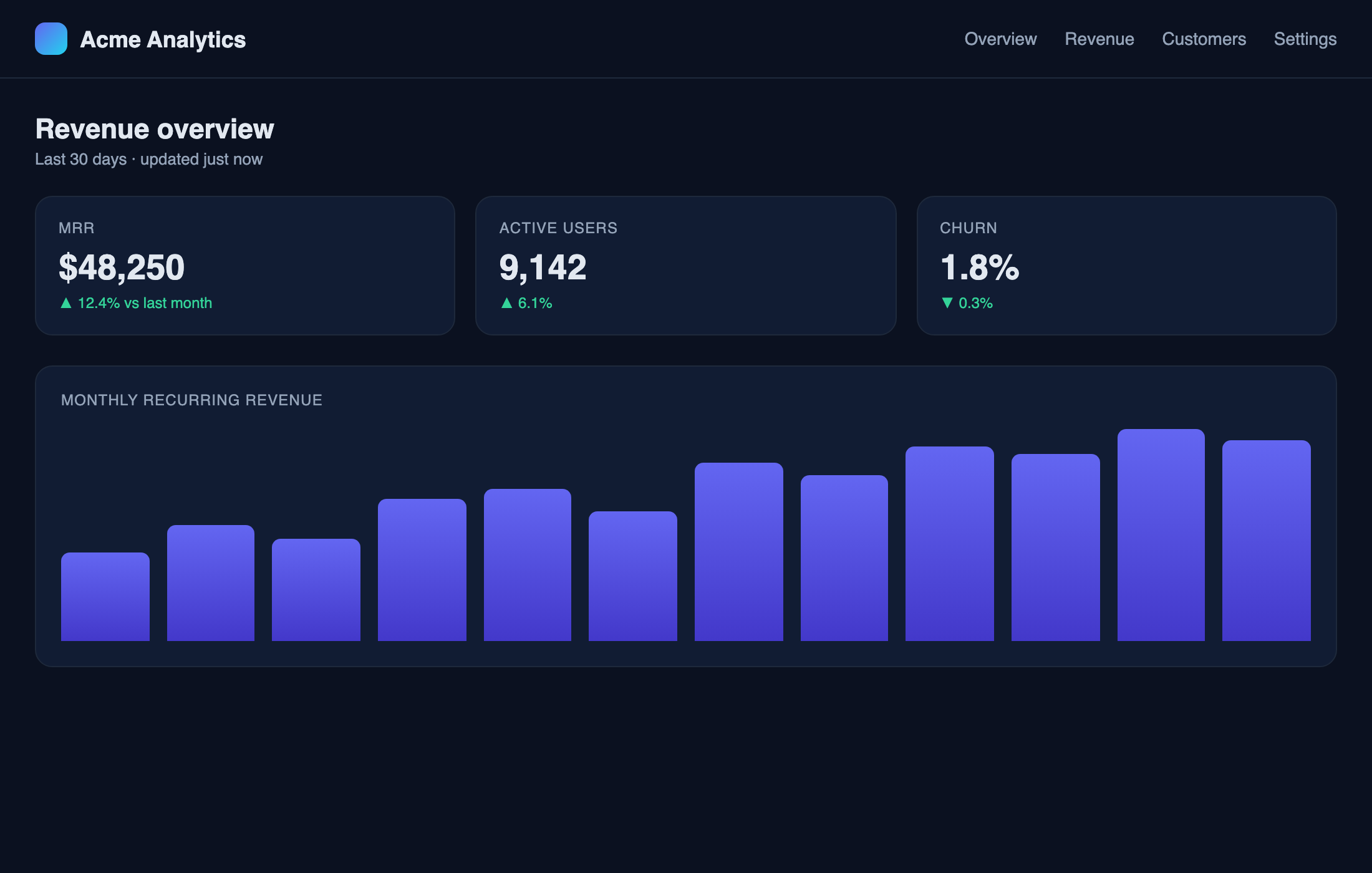
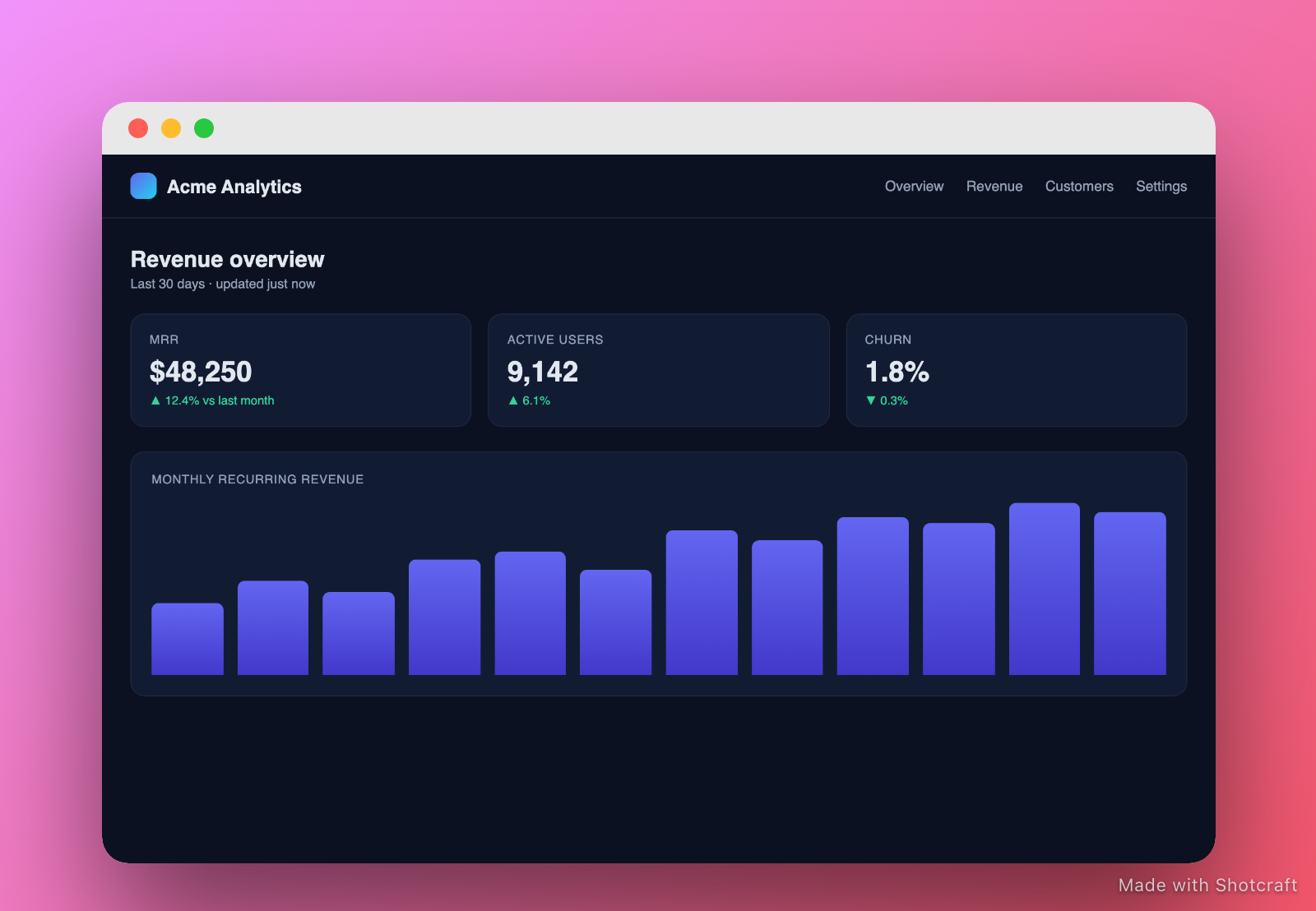
Shotcraft is a free, browser-based screenshot beautifier that adds professional gradients, device frames, and shadows to any screenshot in under a minute — no signup or design skills required. Upload your image, choose a preset, and download a polished PNG at up to 4× resolution.
- No signup required
- Runs in your browser
- Free forever
60-second tour
Watch a raw screenshot become share-worthy
Drop in a screenshot, pick a style, export in 4K. No signup, runs in your browser.
Screenshots are your first impression.
Most developers blow it.
The problem
- Raw screenshots look amateur on X, LinkedIn, and app stores
- Ugly gray backgrounds destroy first impressions
- Competitors ship polished visuals — you share plain terminal output
The fix
- Gradient backgrounds transform any screenshot in one click
- Device frames (iPhone, MacBook, browser) make it look professional
- 4× export so your image is sharp everywhere it's shared
How it works
Three steps from screenshot to share-ready
Paste or drop your screenshot
Drag a file in, click Upload, or paste straight from clipboard (Ctrl+V / Cmd+V). Any image format works.
Pick a style
Choose a gradient background, add padding and shadow, wrap it in an iPhone or MacBook frame. Live preview updates instantly.
Export at 4× — share everywhere
Download a crisp PNG at 4× resolution. App Store, X, LinkedIn, Notion — it looks perfect at every size.
Features
Everything you need.
Nothing you don't.
Gradient Backgrounds
8 curated presets plus a full custom gradient builder. Amber, rose, indigo, teal — match your brand.
Device Frames
iPhone 15 Pro, MacBook Pro, and browser chrome frames. Make your screenshots look production-shipped.
Drop Shadows
Soft, hard, or none. Control blur, spread, and opacity. Shadows lift screenshots off any background.
4× Export Resolution
Download at 4× pixel ratio for crisp results on Retina displays, App Store listings, and print.
OG Image Format
1200×630 canvas mode for Open Graph images. Perfect for blog posts, product launches, and link previews.
App Store Sets
Batch-export matching screenshots at iPhone and iPad resolutions. One style, every required size.
Use Cases
Built for the moments that matter
App Store Screenshots
Wrap your iOS or Android screenshots in device mockups with gradient backgrounds. Export at the exact resolution Apple and Google require.
Learn more →OG Images for Developers
Create 1200×630 Open Graph images for your blog posts, GitHub repos, and product launches. Every link preview looks intentional.
Learn more →Comparison
How Shotcraft stacks up
Honest comparison. Xnapper is great on Mac. Pika.style is solid. Shotcraft works everywhere, in your browser, with a credits model no one else offers.
| Feature | Shotcraft | Xnapper | Pika.style | Figma |
|---|---|---|---|---|
| Price | Free / $12/mo | $29 one-time | $12/mo | $15/mo+ |
| Web-based (no install) | Mac only | Yes | Yes | |
| No signup required | No | No | No | |
| Device frames | Yes | Yes | Manual | |
| 4× export resolution | Yes | Partial | Yes | |
| Credits / pay-as-you-go | No | No | No | |
| Lifetime plan | Yes ($200) | N/A | No | No |
Lifetime
- $50 credits/mo forever
- No watermark forever
- 4× export
- All Pro features
Questions? ryan@sarvixo.co
A new way to build software
A fully-agented company
Request a feature and our AI agents triage, build, and ship it — in the open. No roadmap meetings. No backlog rot. Just real users, real requests, real software shipped.
Paid members only · every request is screened by our AI security agent before the build agents pick it up.
Live feature board → shotcraft.cloud/build
FAQ
Common questions
Is Shotcraft free to use?
Yes. Shotcraft's free tier gives you unlimited exports with a small 'Made with shotcraft.cloud' watermark at up to 2× resolution. No account required.
How do I remove the watermark?
Upgrade to Pro ($12/mo) or purchase a credit pack. Credits are 75% off for your first 30 days — 100 credits for just $12.50 instead of $50.
What is the 75% launch discount?
For your first 30 days, all credit purchases are 75% off. For example, a 100-credit pack ($50 regular) costs just $12.50. The discount applies automatically — no code needed.
Does Shotcraft work for App Store screenshots?
Yes. Wrap your iOS screenshots in iPhone or iPad device frames with gradient backgrounds, then export at 4× resolution. Shotcraft's output meets Apple's resolution requirements when you start from a 1× screenshot.
What is the Lifetime plan?
A one-time $200 payment gives you $50 of free credits (100 credits) every month, forever, plus all Pro features with no watermark. It pays for itself in under 4 months vs. Pro Monthly.
Does Shotcraft work on Windows and Linux?
Yes — Shotcraft is 100% browser-based. It works on any operating system with a modern browser (Chrome, Firefox, Safari, Edge). No downloads or installations required.
Give 50, get 50.
You both get 50 free credits.
Share your link — when a friend joins, you each get 50 credits, automatically.
I'm using Shotcraft to make beautiful product screenshots — we both get 50 free credits if you join with my link:
Your screenshots
deserve better.
Free to start. No signup. Works on every OS. Your first export takes under 30 seconds.